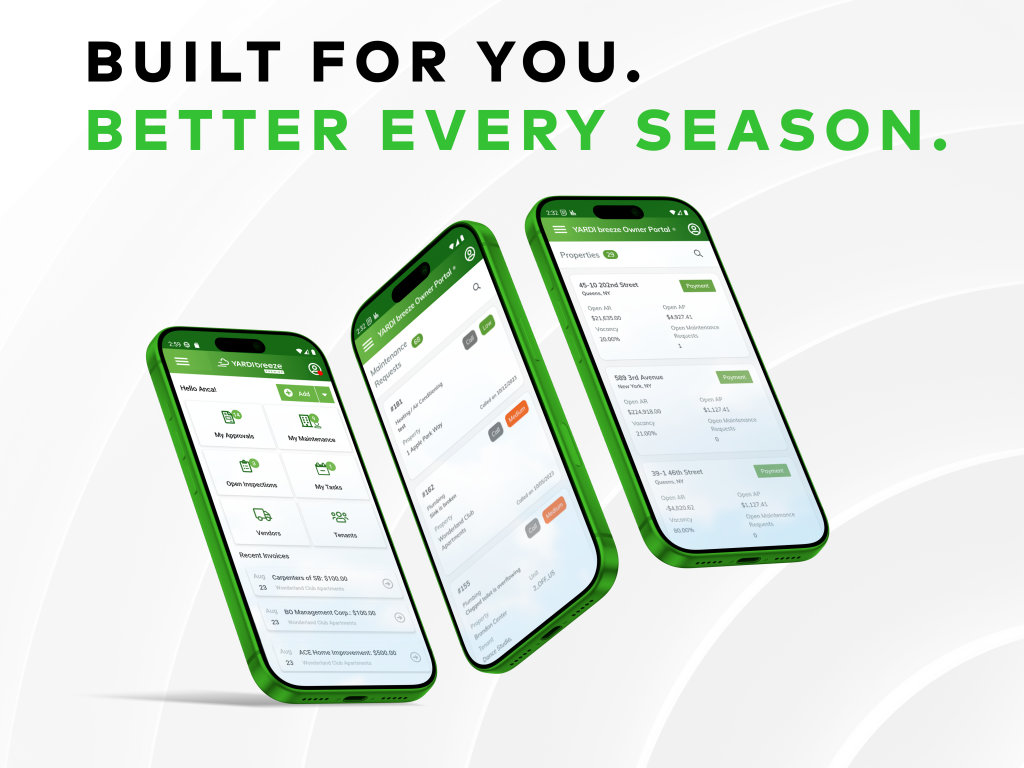
We’ve been busy. This summer’s update to Yardi Breeze Premier updates brings improvements across the board, from your dashboard to the field and a lot of it came straight from your feedback. Here’s what’s new.
Stay in the loop, even when you’re not logged in
For the property manager who can’t be in the system all day, this one’s for you. You can now opt in to receive an email every time a system notification is triggered, things like payment failures or services being enabled. It can be turned off just as easily if it’s not for you.
Maintenance request auto-notifications are also available now for requests created within the platform or the mobile app. Designate an email address and a notification goes out every time a new request comes in. Lastly, the email history report has been updated to include maintenance request emails, giving you a full communication audit trail in one place.
Tighter controls, faster payments, less manual work
A handful of updates here that give you more guardrails and more shortcuts at the same time.
Vendor categories let you create custom groupings and assign them to vendors, making it easier to filter when assigning vendors to maintenance requests, processing payments or reviewing your vendor list. A new permission also lets you control which users can view vendor financial details in the vendor ledger.
Smart AP, our AI-powered invoice processing tool, can now be triggered directly from within the platform. Team members can upload invoice PDFs directly from Breeze Premier and send them to Smart AP for auto-coding, with fields populated in about five minutes.
Need to pause payments? A new hold checkbox on Vendor and Owner profiles lets you temporarily stop payments without disrupting anything else. Holds can also be applied at the individual payable level, with permission controls to manage who can place or remove them.
Your dashboard, your way
New dashboard widgets are here. Your dashboard has always been customizable, and this update adds more way to tailor it to how you work. New widgets include Publish to RentCafe status, recurring payments that are expiring or expired and maintenance requests sorted by category, priority or action items.
Everything you need on the tenant screen
The tenant screen got a significant upgrade. A new metrics panel now surfaces occupant count, RentCafe registrations, upcoming activities, open balance, recurring charges, last payment date and last updated by all-in-one place. Lease-to-date is now visible on the move-out screen so you’re not toggling between views. You can also create maintenance requests directly from the tenant screen.
Your tenants will notice the difference too. On the RentCafe Tenant Portal, Quick Pay lets renters with a balance and a payment account on file pay in a single click, with an auto-pay enrollment prompt right after. With RentCafe Flex Payments, tenants can split rent into installments while your property still receives the full amount on time.
Manage more, click less
The Maintenance Bulk Update page has been significantly expanded. You can now update nearly everything in bulk: assign vendors or employees, update statuses, add labor details and mark requests complete. A new filter lets you sort maintenance requests by completion date, and a new status update history tab gives you an auto-populated timeline of every status change, including date and time.
Maintenance requests can also be created directly from the tenant screen or the owner screen, reducing the steps between spotting an issue and getting it logged.
Track time in the field
Labor tracking is now live in the mobile app. Technicians can log time manually by entering a start and end time or use the start/stop timer for automatic duration recording. Time is logged directly on the maintenance request, right from the field, no paper timesheets required.
Keep owners informed, without the back and forth
Completed inspections can now be published directly to the Owner Portal from the unit screen. Once an inspection is marked complete, a Publish button appears. You can also publish from the Inspections tab, which shows the date, time and user who published. Maintenance requests can be created from the Owner screen as well, keeping everything connected.
Go ahead and poke around. Log in to explore the latest Yardi Breeze Premier updates, or request a demo and we’ll show you around.